
Platform Manual
Create Project
Enterprises can create multiple projects for different internal teams or products to achieve resource isolation and independent cost accounting.
Click "Create Project" on the Project Management page, enter the project name, and you can create a new project.
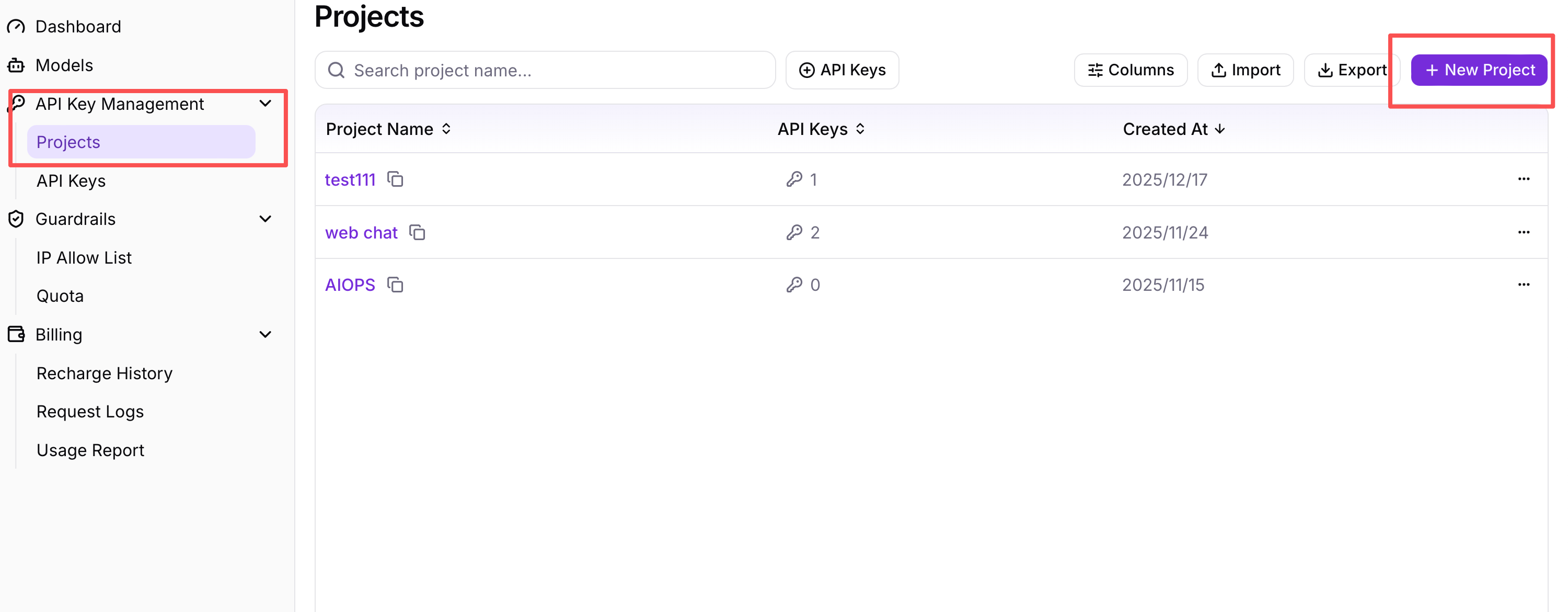
Figure 1: Project Management Page - Create Project Interface
Fill in the project name, for example "Project A", and click "Confirm" to create a new project.
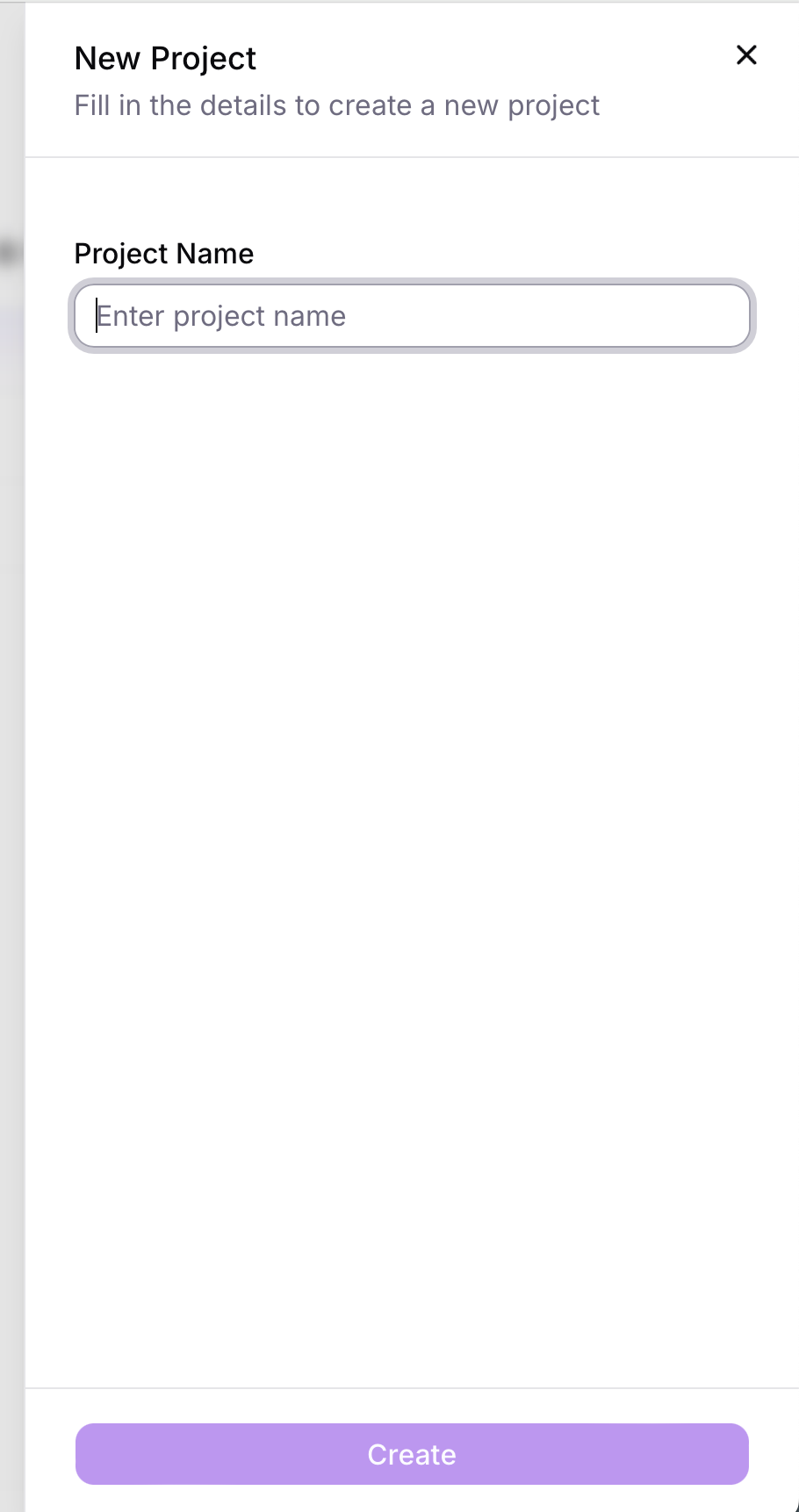
Figure 2: Project Management Page - Fill in Project Name
Create API Key
Create API Key on the Project Details page or API Key Management page.
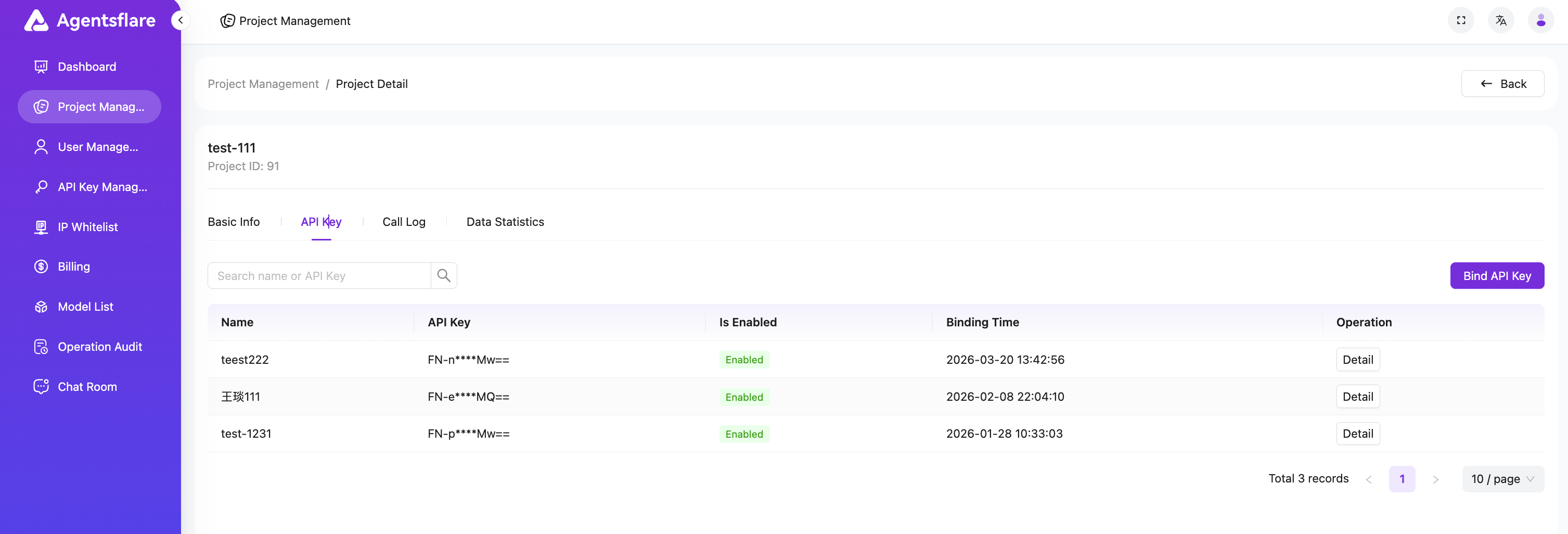
Figure 3: Project Details Page - API Key Management
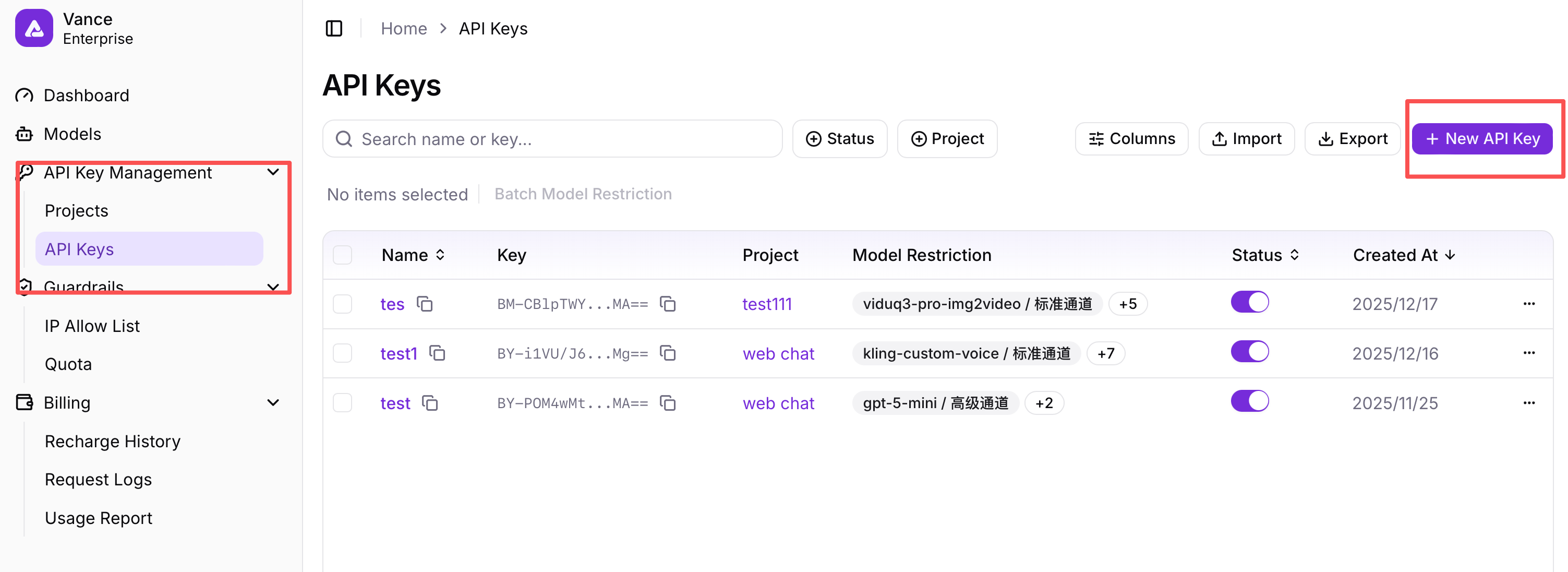
Figure 4: API Key Management Page - Add New API Key
Note: API keys are project-level. When creating on the API Key Management page, they need to be associated with a specific project.
Model Configuration
Users can configure model parameters on the API Key Management page Details Call Strategy . After successful configuration, you need to click the Save button at the top.
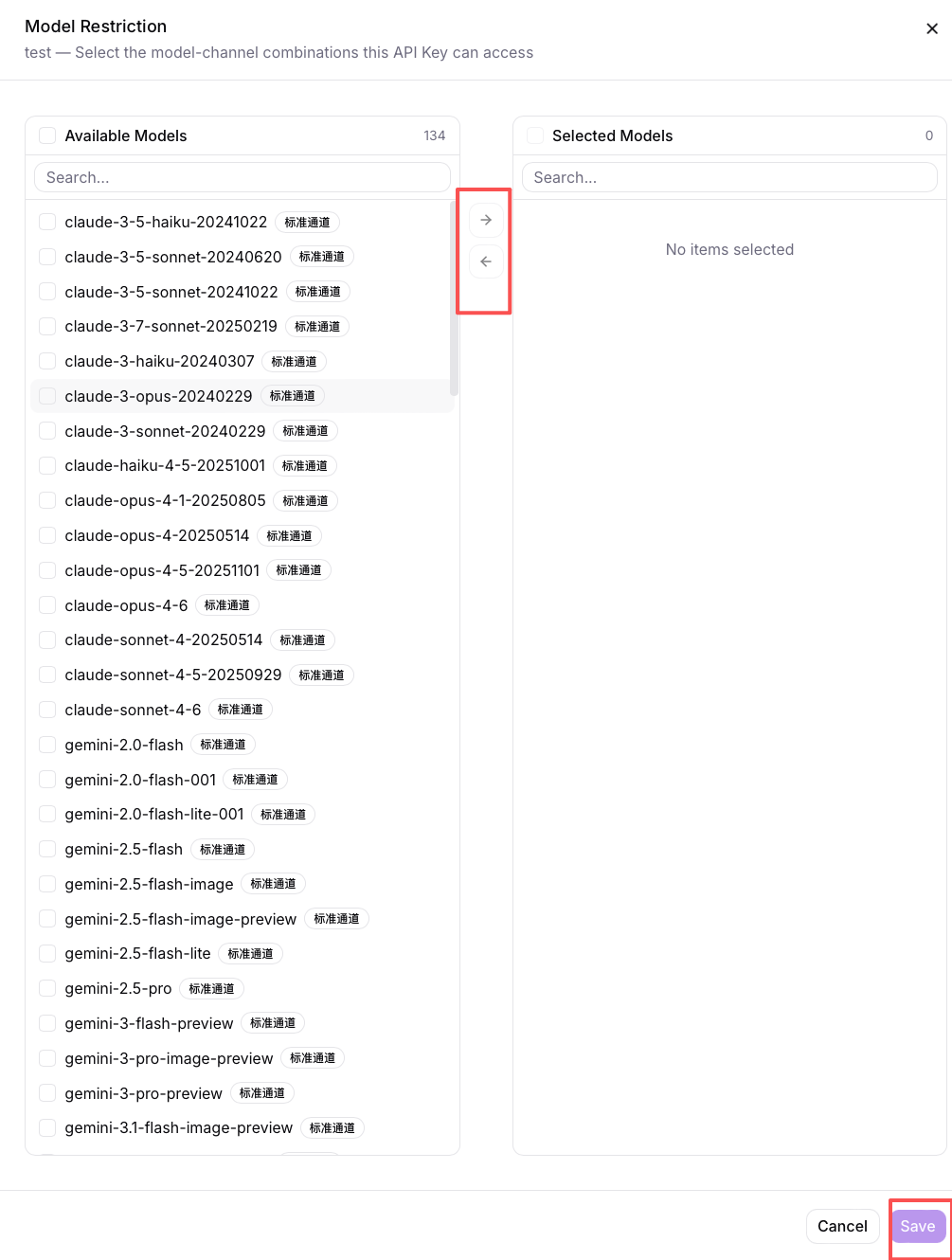
Figure 5: API Key Management Page - Details - Call Strategy
Description:
- The default call strategy is round-robin, which means it will rotate calls among multi-channel models.
- Low-cost priority means it will prioritize calling lower-priced models, and when models are unavailable, it will call higher-priced channel models.